SmartThings Hub Blue Light Blinking? Name the Model
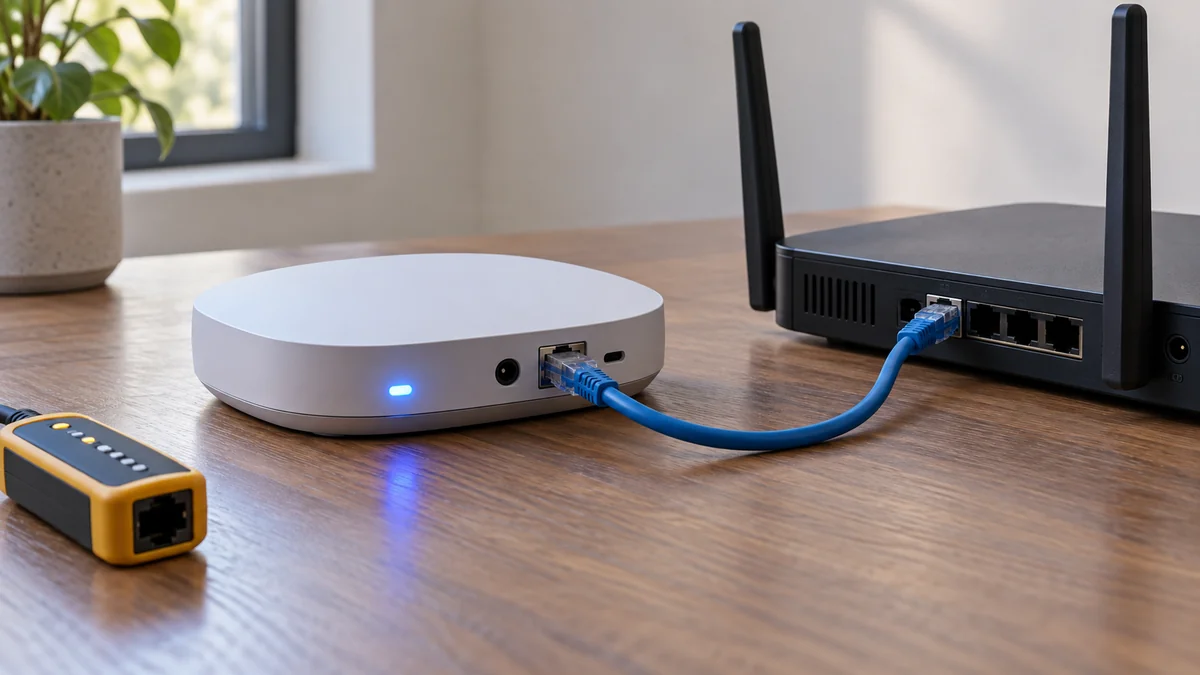
Smartthings hub blue light blinking usually points to a lost network link on older hubs. Check the model and connection before any reset.
Smartthings hub blue light blinking usually points to a lost network link on older hubs. Check the model and connection before any reset.
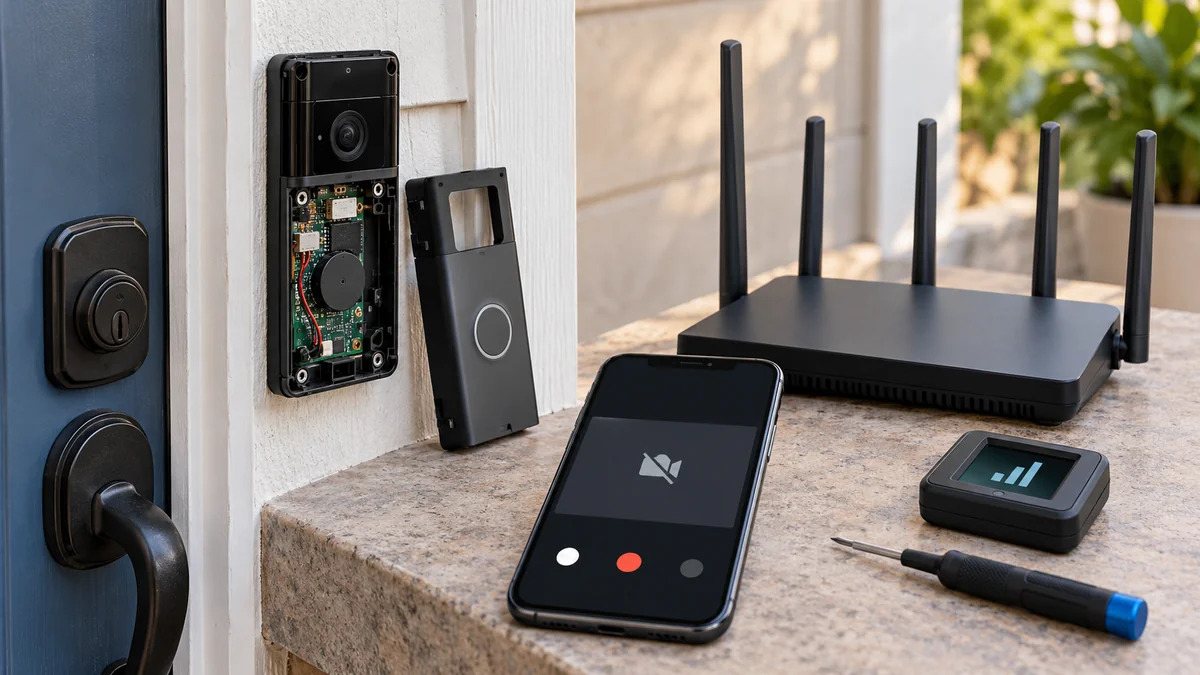
Ring doorbell live view not working wifi can start at the phone, Ring service, or the doorbell. Use four comparisons before replacing hardware.
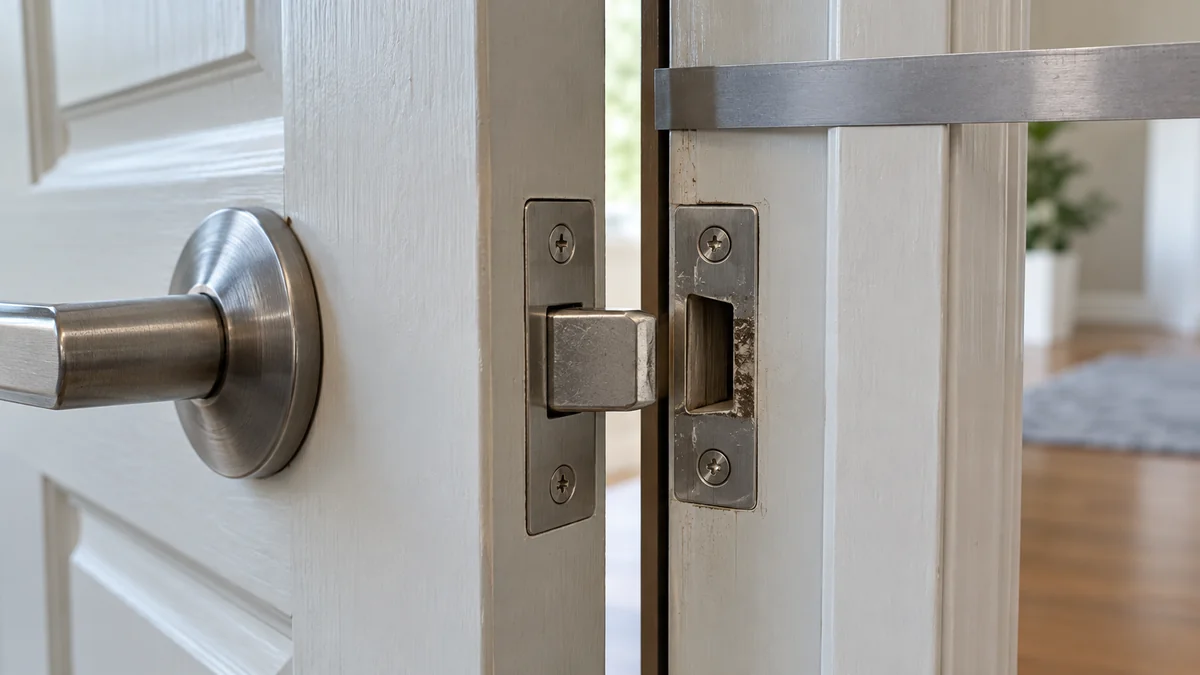
Door strike plate not lining up? Compare the open-door test, frame gaps, and rub mark before moving hardware or ordering a new strike.
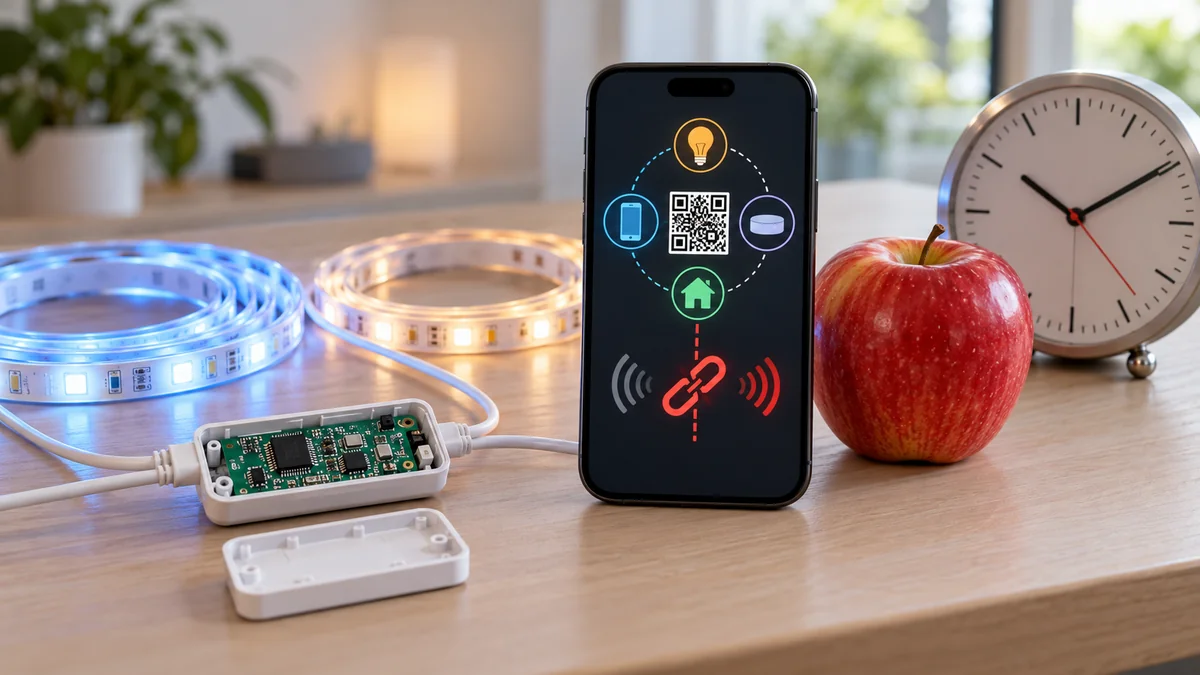
Govee lights won’t connect to Apple Matter? Verify the model, reopen Govee’s 15-minute setup window, and use a new code for a shared device.
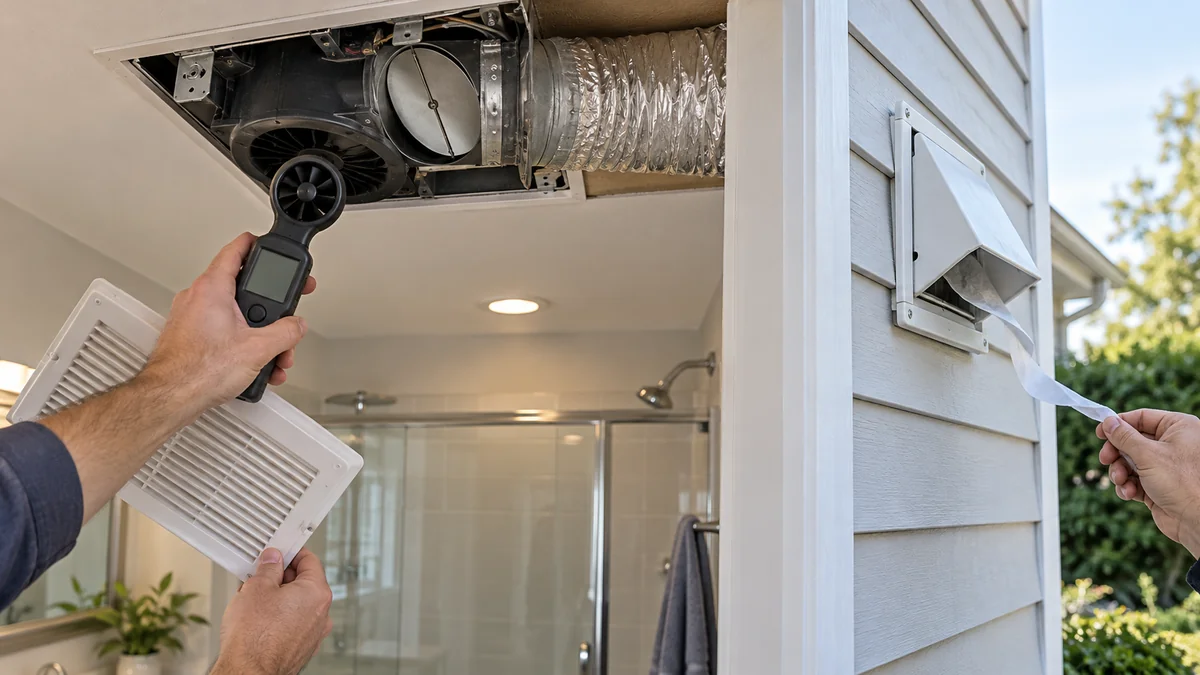
Bathroom fan damper not opening? Trace a stuck flap, weak airflow, duct resistance, and the exterior cap before replacing the fan.
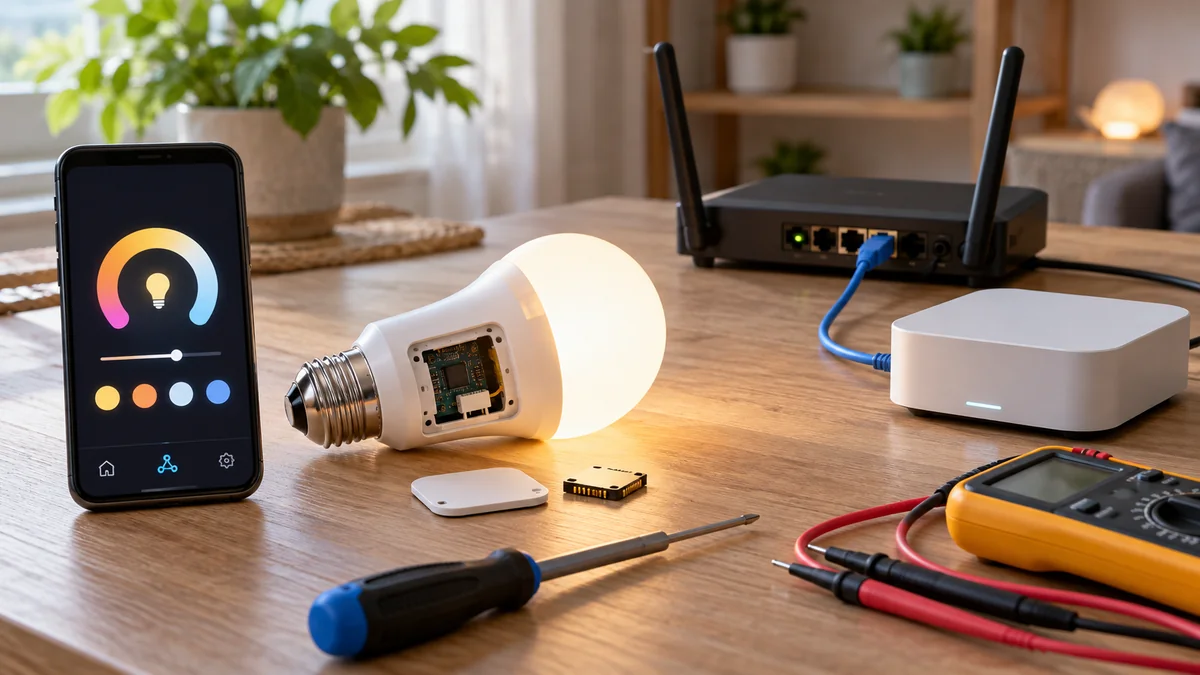
Govee Matter Home Assistant works on supported models. Check the exact light, use the right sharing path, then judge its exposed controls.
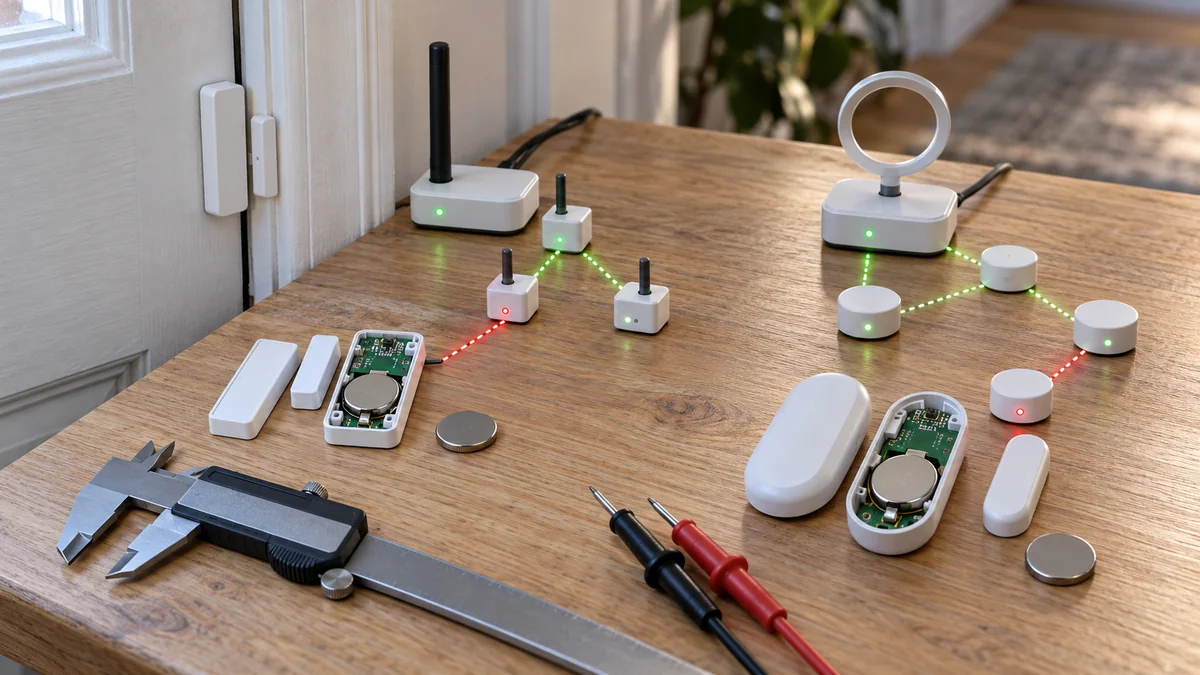
Aqara door sensor keeps going offline? Identify T1 or P2 first, then test the correct battery, radio path, hub, and app before resetting it.
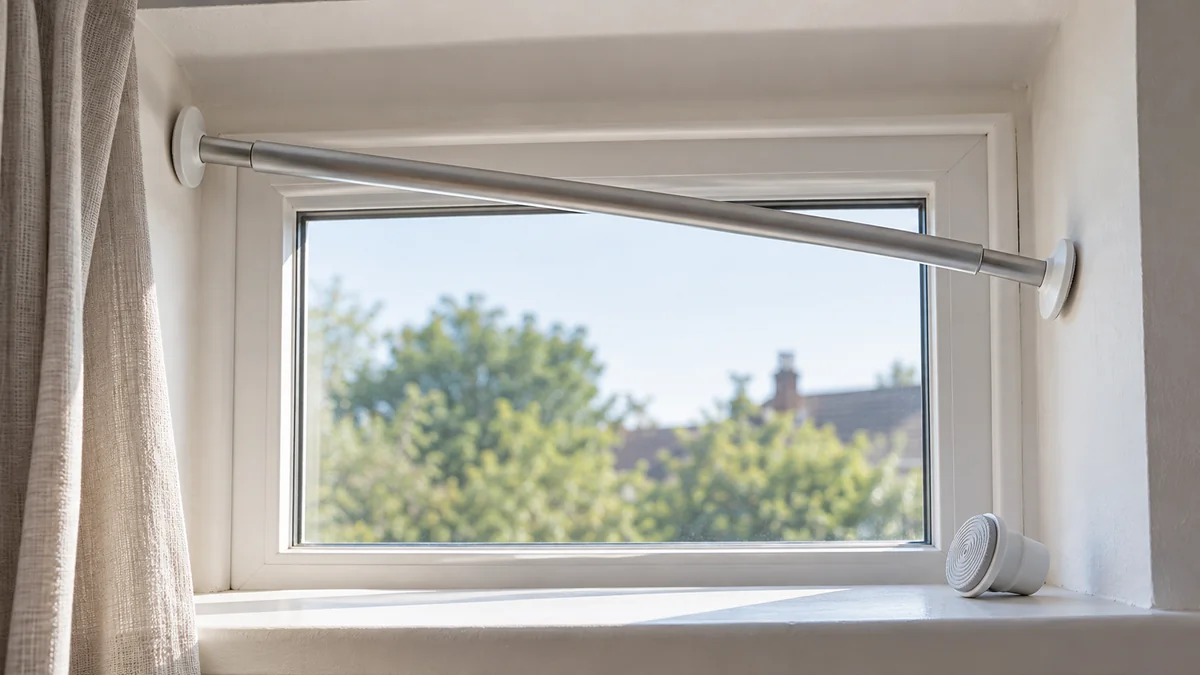
Tension curtain rod keeps falling? Test the bare rod, wall contact, span, and curtain load before buying another rod or adding holders.
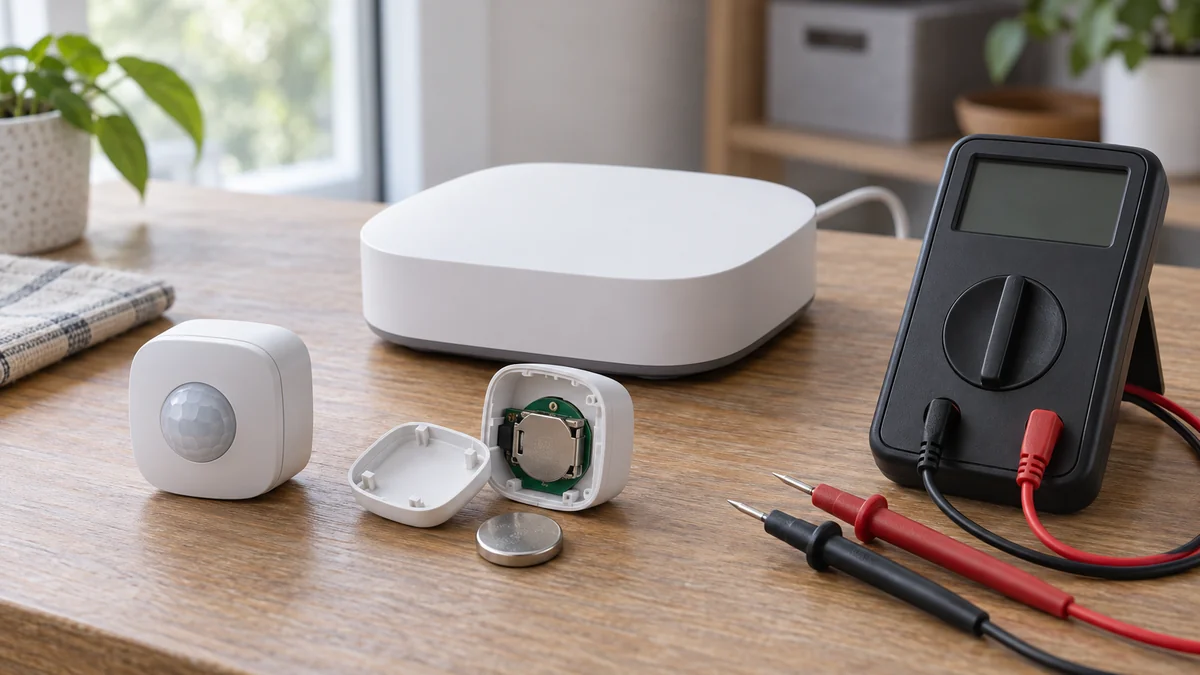
SmartThings motion sensor offline does not prove the sensor failed. Compare one sensor with the hub and a second device before resetting anything.
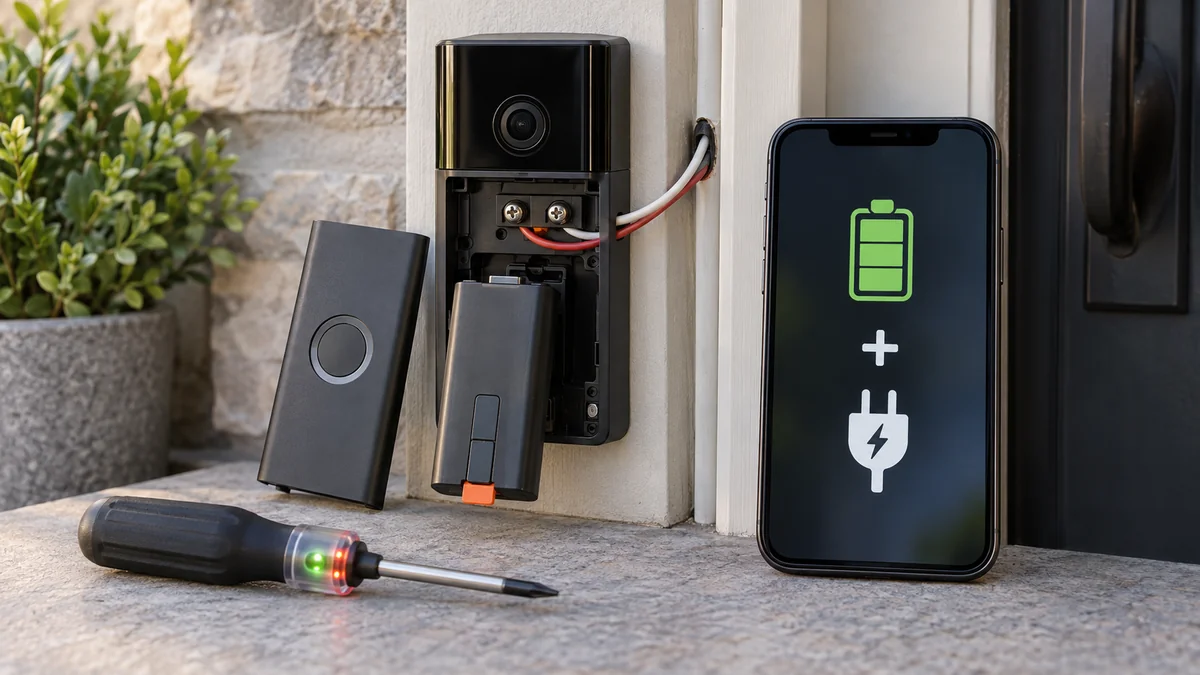
Ring battery says hardwired means the doorbell sees external power, not that its battery is bypassed. Check its model and battery trend first.